TOC
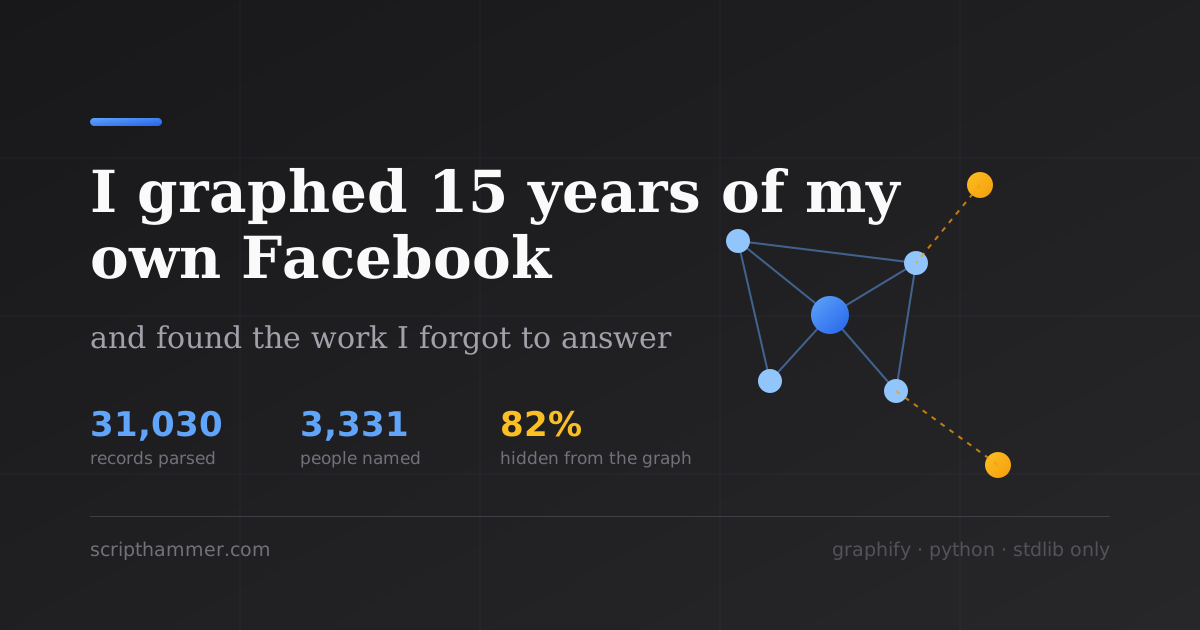
I graphed 15 years of my own Facebook and found the work I forgot to answer
In November 2025 two people in a Cleveland TN group asked who builds websites around here.
I answered both of them. I said scripthammer.com, I write custom software, websites or mobile applications.. and then I never followed up with either one.
I didn't know that until last night, when I finally parsed my own Facebook export. Nine months those sat there.. two local people who raised their hand, got a pitch, and then silence.
That's the actual reason to do this.. not the graph, the graph is just how you find the thing.
Get your data first, it takes a while
Facebook makes you wait, so start the download before you read the rest of this.
Use that link. Don't go hunting through Settings, because Meta moves this page and
renames it every year or so and the menu path in every tutorial you'll find is stale.
facebook.com/dyi has redirected correctly through all of it. Right now it lands you
on accountscenter.facebook.com/infoandpermissions/dyi, which is not a URL anybody
is going to guess.
If you'd rather click: profile picture → Settings & privacy → Settings → Accounts Center → Your information and permissions → Export your information. It used to be called "Download your information", so that's what older guides say.
Once you're there, hit Create export and pick:
- Export to device. The other option transfers straight to Google Drive or Dropbox,
- All available information. Not a custom selection.
- Date range: All time.
- Format: HTML. JSON is cleaner and the parser here doesn't handle it, so HTML.
- Media quality: High, unless you want a smaller file.
Grab it fast. The finished export sits in Available downloads for four days and then it's deleted and you request it all over again.
Check what you actually got
Here's a mistake I made.. I had a 318MB zip and I assumed that meant everything.
It didn't. Open start_here.html and read what Facebook says is in there. Mine listed exactly two sections, Posts and Groups. No messages, no friends list, no reactions, no comments outside of groups, no profile info.
If you tick every category you get a lot more, and one of those categories matters more than the rest. Your messages are the only place other people's words show up. Everything else in the export is just you.
That's worth sitting with. A Facebook export contains your writing and nobody else's. I checked all 26 group files including the 1.66MB admin log. When someone else's post is involved you get their name, the group, and a timestamp. Their actual words are gone.
So when I say later that I know what someone asked me, I don't. I know what I said back. Everything about the other person is reconstructed from my own reply, and I flag it that way everywhere in the code, because the moment you forget that you start inventing people.
Why you can't just point a graph tool at it
I use graphify for this. Drop it on a folder, get a knowledge graph.
Except .html isn't in its splittable-file list, so its LLM path truncates every file at 20,000 characters. My comments file is 4.45MB. That's 0.45% of it. The graph builds fine and looks fine.. and is built on almost nothing.
So the corpus has to be markdown first. That's not an optimization, it's the whole job. Everything below is what it took to convert 26 files of Facebook's HTML into markdown without losing or inventing anything.
The five things that cost me real time
1. The encoding is fine, the entities are not.
I braced for mojibake.. there is none, it's clean UTF-8 all the way through, emoji and Cyrillic survive intact.
What you get instead is entities everywhere. ' shows up 8,330 times in one file. Facebook even escapes the at sign as @.
Unescape after you slice records out, never before. Do it first and every offset you calculated shifts underneath you.
2. Regex can split the records. It can't read them.
The records are machine generated and perfectly balanced, so slicing them with a regex is safe. I verified exact counts on all four big files.
Reading the inside of a record is a different problem. Label cells are I used 3. Group names are hiding in English sentences. Comments are easy, there's a literal So you strip the trailing period, right? No.. some of my groups are named What worked was building a vocabulary of every group name from the structured fields first, 681 of them, then matching the headline against that vocabulary longest-first. Match templates before you match suffixes, because Case matters too. I'm in a group called 4. The media might not be there. My first export had every image path recorded and zero image files. The media directory existed and was empty. Handle a missing file instead of crashing on it. The second export had all 2,991 of them, which resolved 1,897 attachment references that had been dangling. 5. There's a revision history, sort of. They're not pairs.. each file is one snapshot, one timestamp, and the filename ID appears nowhere else in the export. You can still get there. Match the snapshot text against your posts and 290 of mine lined up, 123 of those differing from the post they matched. That's a real diff you reconstructed yourself. My most common edit turns out to be going back to add a link, or swap one link for a better one. I published, then went back and put the evidence in. Once it's markdown the rest is straightforward. A few things that mattered: One file per group, under 20K characters. Split the big ones, and derive the filename from the group name plus a short hash, never from position. Add a group later and nothing gets renamed, so the extraction cache stays warm. Byte-identical output for identical input. Sort everything, no "generated at" line in the body. Get this wrong and every rerun re-bills the whole corpus. Get it right and an unchanged rerun is free. Give it a concept layer. This is the part I'd skip if I were you.. and it's the part that matters. If every person only connects to their group, you get 266 disconnected stars and no graph. I wrote a fixed vocabulary of technologies, topics and eras into every single corpus file, so an extraction agent working on file 200 emits the exact same node IDs as the one working on file 3. That's what stitches it together. My first build came out as one connected component with seven clean communities. Without that block it would have been sixty-odd islands. It truncates and doesn't tell you. Three words will silently break your query. Put Some of this was uncomfortable. I hid 82% of the people from myself. I wrote a rule that only promoted someone into the graph if I'd talked to them twice, or if I'd made them an offer. Reasonable rule for keeping a graph clean.. completely wrong as a rule for finding leads, because "I replied to this person once and never followed up" is the exact shape of a missed opportunity. 3,331 named people in my records, 589 in the graph. The graph looked complete.. it wasn't, and it had no way to tell me. I made 15 collaboration offers and 10 got no follow-up. The oldest is from 2024, a guy in Godot Developers where I wrote "I'd be interested in colaborating, do you have a repo on github?" and then apparently just wandered off.. the newest was two weeks old when I found it. The two Cleveland guys from the top of this post. Both were top-level answers, which means they posted asking and I replied. That's about as warm as a lead gets.. and it showed up in exactly none of my first-pass reports. I only found them by going looking for what I'd left out. Then I ran the obvious query I should have run first, which is every time I've ever named my own product to somebody. Eight times. Seven of those people I never spoke to again: (Names withheld. They answered a question in a Facebook group years ago, they didn't
sign up to be a case study. I know who they are.. that's the point.) Five years of pitching once and walking away. That's not a data problem, that's a me problem, and I needed the data to see it. I'm a member of two local groups I've never posted in once. Found that by looking for absence, which a graph of things-that-exist genuinely cannot show you. You have to ask the raw records. That last one is the general lesson. The graph is the inference layer and it's good for "who is similar to whom" and "what connects these two things". The parsed records are the truth layer. Five of the eight questions I most wanted answered came from the records, not the graph. Reach for truth first. The parsed output on my laptop names 3,331 real people, most of whom have no idea they're in a dataset. It also holds 2,991 photos, and once my full export lands it'll have private messages in it. None of that is in my repo. The code is versioned, the data never is, and the If you do this and you're tempted to put the graph somewhere convenient, don't. A private repo is one bad And don't automate any of this against Facebook itself. There's been no write API for Groups since April 2024, and scraping risks the account, which for me is the only distribution channel I actually have. The parser is stdlib-only Python, no dependencies to install: That gets you The graph is the fun part though.. point graphify at the corpus and go look at what you forgot. I'm going to go answer those two now, nine months late. wrapping entire nested subtrees, so a flat key/value regex swallows the whole record. Mine over-matched into a 753KB blob before I noticed.. and div._2pin, which holds post bodies, has about 25 different shapes.
html.parser from the standard library. No BeautifulSoup, no lxml, nothing to install. It parses the 4.4MB file in 0.27 seconds.Group: label. Posts aren't. The group name only exists inside a headline like Jonathan Pohlner posted in Cleveland (TN) Drum Circle.LocalAction.Me and geoLARP.com and Realistic Diorama Creators.... Strip blindly and you invent duplicate groups that don't exist. Others end in ? or ! and Facebook doesn't add a period to those at all.was added to {GROUP} by {ACTOR} puts the name in the middle. Suffix matching alone scored 72%. Templates first got me to 100% on all 1,321 headlines.NodeJS developers and a different one called NodeJs Developers. Lowercase them for comparison and you merge two real communities into one.editsyoumadetoposts had 512 files in mine and I got excited, because a before/after pair tells you more about how someone writes than any amount of finished text.
Building the graph
Two traps in the query tool
graphify explain on one of my groups showed 20 of 51 connections. A query showed 42 of 154 nodes. Exit code 0, no warning.. use the CLI to orient yourself, then count from graph.json for anything you're going to act on.member, call, or import in a query string and it gets treated as a context hint, filters to edges that don't exist in a semantic graph, and returns about one node. Looks exactly like an empty graph. Say "people" or "person" or "lead" instead.What I actually found
2020-11-11 [person 1] CSBN
2020-11-11 [person 2] UI/UX designers
2020-11-16 [person 3] NodeJs Developers
2020-11-24 [person 4] CSBN
2025-10-01 [person 5] Programming | Coding
2025-11-16 [person 6] What's Up Cleveland, TN
2025-11-17 [person 7] What's Up Cleveland, TNBefore you publish anything
.gitignore was the first file I wrote rather than something I got around to. Everything derived is regenerable from the raw export anyway, so there's nothing to lose by leaving it out.git remote away from a public one.Do it yourself
git clone https://github.com/TortoiseWolfe/fb-digital-twin
cd fb-digital-twin
mkdir -p raw && unzip ~/Downloads/your-export.zip -d raw/export-2026-08-05
$EDITOR config/paths.json # point export_root at it
python3 bin/build_vocab.py
python3 bin/parse_all.py
python3 bin/ingest_extras.pyjson/records.jsonl, one JSON object per record, every field flattened, every row traceable back to a byte range in the original HTML. Mine is 31,030 rows going back to 2011.. query it with jq and you don't even need the graph.Discussion
